Workout tracker
Every feature. Free.
Get Strong. Build Aesthetics.
Log your sets, follow a program, and watch your PRs climb.


Culturista
Barbell Bent Over Row
Set 1 of 3
All sets logged
Everything included
Your Session, Set by Set
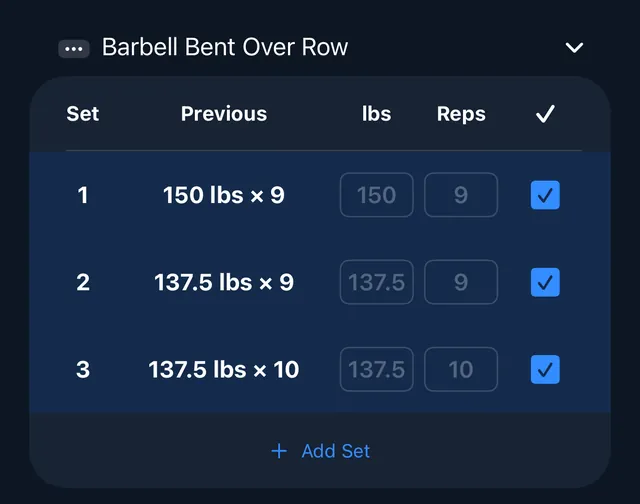
Set 1Log
Log a Set in One Tap
Last session's numbers sit beside every set, so you know what to beat.
- Working, warm-up, drop, and split sets
- Smart warm-ups and drop sets, calculated from your working sets
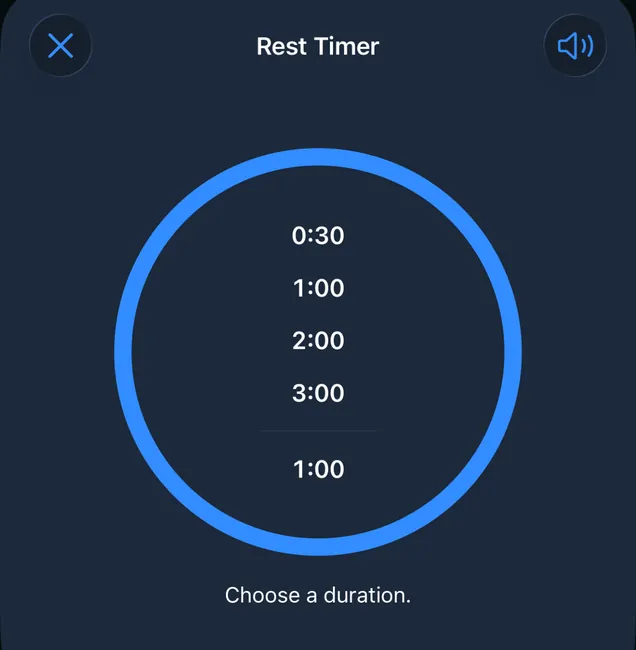
Set 2Rest
Rest Without Unlocking Your Phone
Pick a rest time, then skip or adjust it from your Lock Screen.
- Rest timers with Live Activities on your Lock Screen
- Focus Mode blocks the social apps you pick while you train
Set 3Train
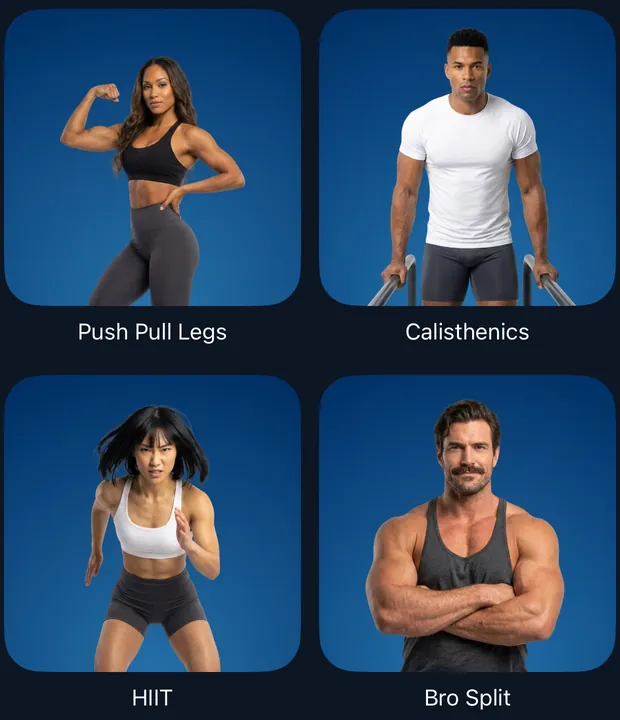
From Push Pull Legs to Your Own Split
Start from a ready-made program, then make it yours.
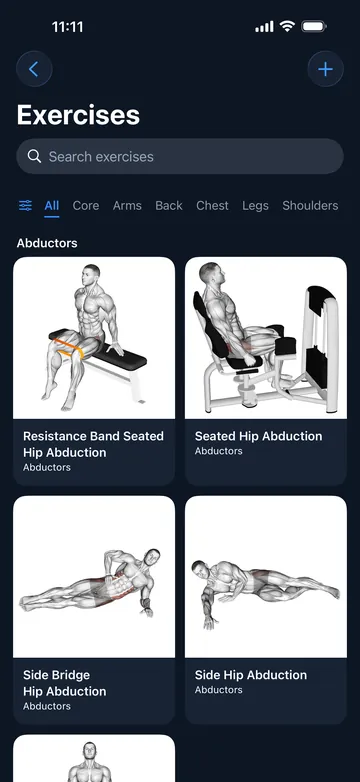
- 1,000+ exercises with video guides, plus any you create
- Programs and folders to structure your training
- Progression Assist suggests your next weight when you've earned it
Set 4Track
See How Far You've Come
Every workout lands in your history, and your records update on their own.
- Weight Tracker with a daily trend line, goal forecast, and BMI New
- PRs detected automatically and charted over time
- History, Charts, and Records tabs on every exercise New
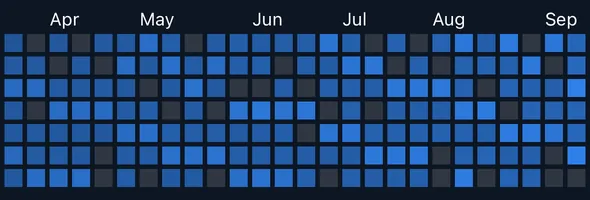
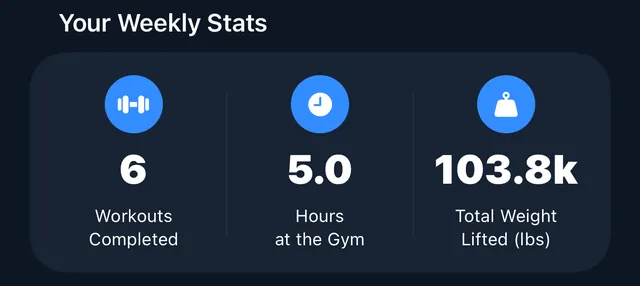


Plus iCloud backup and sync for workouts and programs, six themes, and the app in English and Spanish.
Six themes
Train in Your Colors
Pick a theme to preview it. Switch anytime in Settings.


Funding
How It Stays Free
Many gym apps lock your progress behind a subscription. We built Culturista differently.
Every Feature, Every Lifter
Everyone gets the complete app.
We Don't Sell Your Data
We don't show ads, and your data isn't our business model.
Powered by People Like You
Optional contributions keep the lights on and fund new features.
Contributions
Become a Contributor
If Culturista earns a place in your training, an optional monthly contribution supports its development.
You choose the amount.
Contributors get the same features as everyone else.
Join the people keeping Culturista free for everyone.
Contribute anytime from Support Culturista in the app's Settings.
Contributions are optional subscriptions that auto-renew, billed to your Apple Account in your local currency. Cancel anytime in your App Store settings. Prices and features can change.
FAQ
Questions, Answered
Is Culturista really free?
Yes. Every current feature is available to everyone, with no locked charts and no limits on workouts. Contributions are optional.
What do contributors get?
The same features as everyone else. Contributions keep the lights on and fund new features; they don't unlock features.
How do I change or cancel a contribution?
Change your amount in the app: tap the profile icon on the Home tab to open Settings, then choose Support Culturista. To cancel, open the Settings app on your iPhone or iPad, tap your name, then tap Subscriptions.
Do my workouts sync between devices?
Yes. Workouts and programs sync through your iCloud account. If iCloud is off, they stay on your device.
How do I delete my account?
Tap the profile icon on the Home tab to open Settings, then choose Delete Account. This deletes your Culturista account and any feedback you've sent. Workouts and your other training data on your device and in iCloud stay until you remove them. Deleting your account doesn't cancel a contribution.
Does Culturista work on iPad?
Yes. Culturista runs on iPad with iPadOS 26 or later, and on iPhone with iOS 26 or later. Live Activities need version 26.2 or later.
Do I need an account?
Yes. Culturista uses Sign in with Apple, so there's no password to create, and you can choose to hide your email address.
I subscribed before version 3.0. Am I still billed?
Yes, until you cancel. Plans started before 3.0 keep renewing and now count as a contribution. To cancel, open the Settings app on your iPhone or iPad, tap your name, then tap Subscriptions.
How do I get help?
Tap the profile icon on the Home tab to open Settings, then choose Send Feedback. You can also reach us on X at @appculturista.

Free. For everyone.
On the App Store for iPhone and iPad.